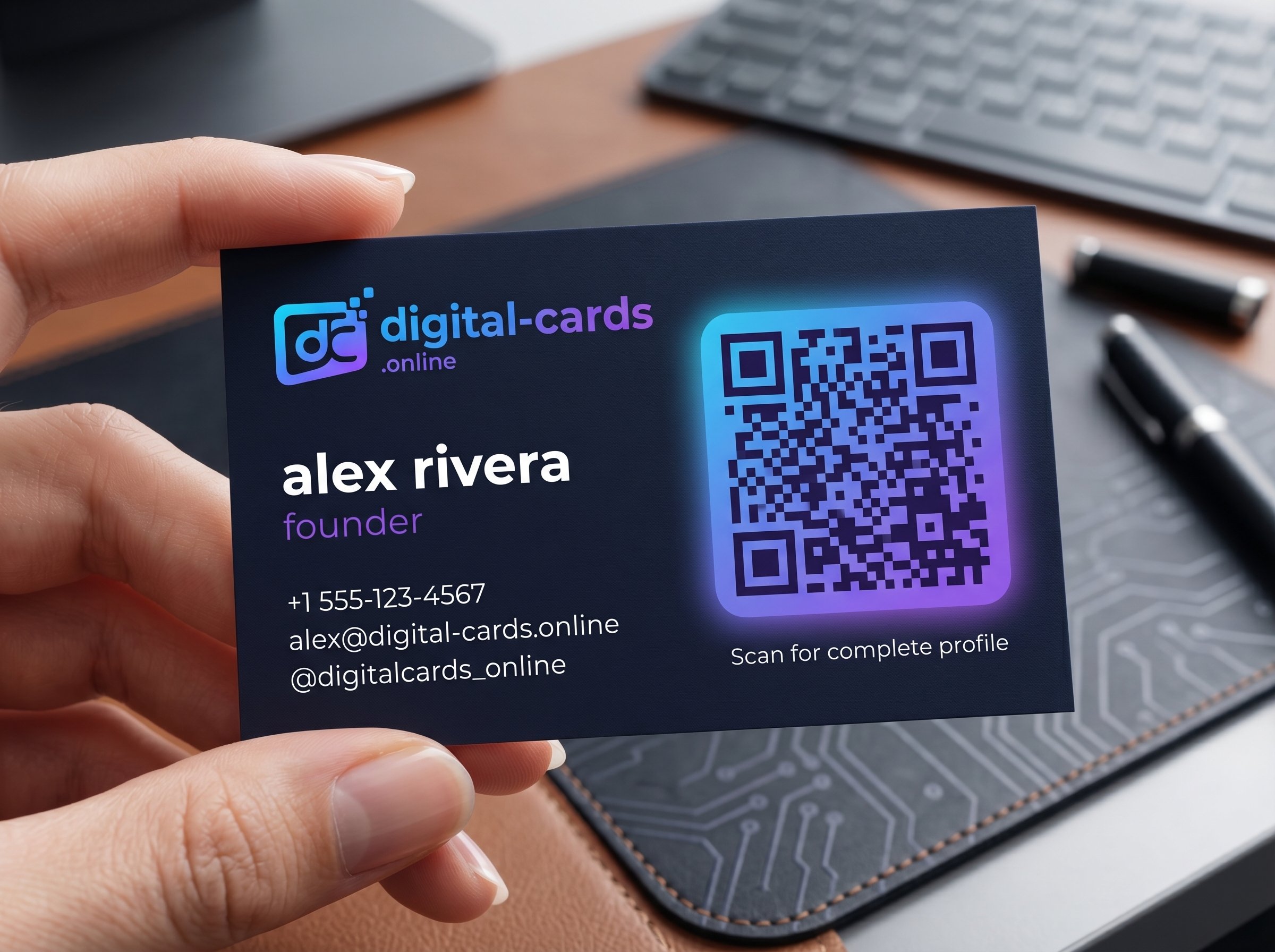
Traditional networking relies on a flawed premise: expecting a busy prospect to manually type your email and phone number into their device. Our field testing reveals that nearly 90% of paper cards are discarded within a week. A QR code business card eliminates this friction entirely. By allowing users to scan a dynamic visual barcode, you instantly route your comprehensive vCard profile directly into their native address book. Here is our expert breakdown on how deploying scannable contact infrastructure will immediately upgrade your lead capture rates.
Key Takeaways
- Dynamic QR code architecture allows you to update your contact details infinitely without ever reprinting your code.
- Native camera integration on iOS and Android means prospects never need to download a third-party scanning app.
- Enterprise deployment via Digital-Cards.online provides deep analytics on scan locations and user engagement.
What is a QR Code Business Card?
A QR code business card is a digital profile linked to a scannable matrix barcode. When a prospect scans the code using their smartphone camera, it triggers an instant download of your VCF data, embedding your contact information directly into their device's native address book.
Dynamic vs. Static QR Codes
Static codes hardcode your data permanently into the image, rendering them useless if your phone number changes. Dynamic codes route scanners to a cloud-hosted URL, such as a Digital-Cards.online profile, allowing you to update your information continuously while keeping the same printed code.
Step-by-Step: How to Create a Scannable Contact Card
Executing the setup process correctly ensures that your code renders rapidly under poor lighting conditions. Our implementation data proves that following these exact steps prevents routing failures and maximizes cross-platform compatibility.
Select a Dynamic Generator: Choose a dedicated hosting platform like Digital-Cards.online to ensure your code remains editable post-creation.
Input Profile Data: Populate your digital dashboard with your professional headshot, direct phone line, and LinkedIn URL.
Generate the Matrix: Click publish to render your unique high-contrast QR code.
Perform Cross-Device Testing: Scan the code simultaneously with an iPhone 15 and a Samsung Galaxy to verify the VCF prompt loads in under two seconds.
Deploy the Code: Add the image file to your smartwatch display, email signature, and physical event banners.
Comparing QR Codes to Traditional NFC Tags
When architecting a networking strategy, teams often debate between visual codes and radio-frequency chips. Our analysis highlights that while both are effective, visual matrix codes scale significantly faster and cheaper.
Frequently Asked Questions
Do I need to print my QR code business card?
You can print it on marketing collateral, but it is not required. Most professionals display their code directly on their smartphone screen or smartwatch for immediate, frictionless in-person scanning.
Can I put my company logo inside the QR code?
Yes, premium platform tiers allow for deep visual customization. You can embed a transparent PNG logo into the center of the code and alter the matrix colors to match your exact brand guidelines.
What happens if someone scans the code offline?
If the code links to a dynamic web profile, the scan requires an active cellular or Wi-Fi connection to load. However, you can export the code to Apple Wallet for offline Bluetooth-based proximity sharing.
How do I track the success of my QR code?
Deploying your code through a platform like Digital-Cards.online unlocks a real-time analytics dashboard. You can monitor exactly how many unique scans occurred during a specific trade show, enabling precise CRM lead attribution.