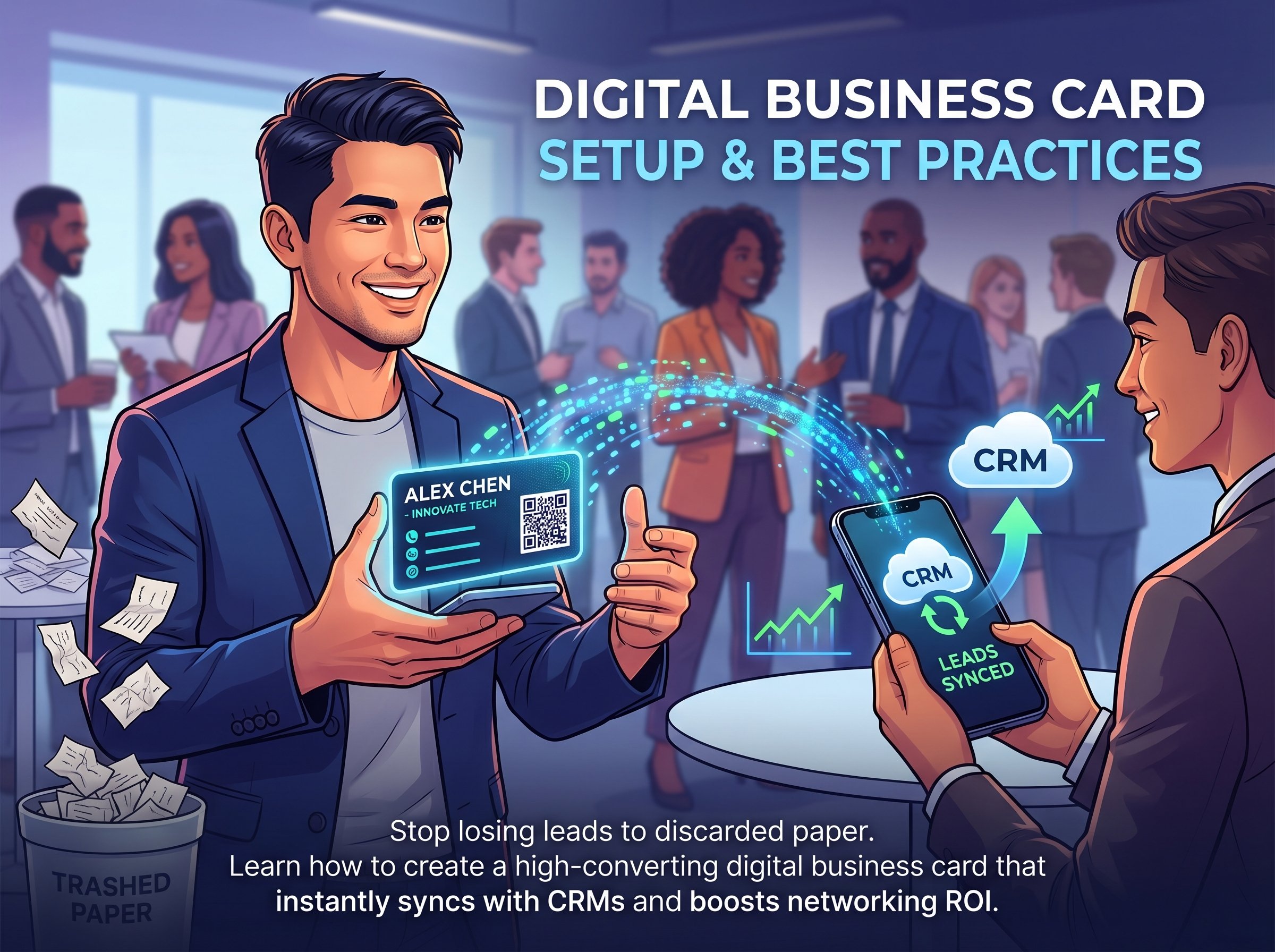
Handing out a paper rectangle in 2026 signals a lack of technical fluency. Professionals lose roughly 88% of physical business cards within a week, killing potential deals instantly. A digital business card solves this systemic failure by instantly transferring contact details, LinkedIn profiles, and CRM data directly to a smartphone via NFC or QR code. Our testing of current virtual networking platforms reveals exactly how to build a profile that drives immediate conversions rather than landing in the trash.
Key Takeaways
- NFC and QR code sharing yields a 4x higher contact-save rate compared to traditional paper networking.
- Modern vCard platforms integrate seamlessly with enterprise systems like Salesforce and HubSpot.
- Centralized dashboard management allows entire sales teams to update branding instantly with zero reprint costs.
What is a Digital Business Card?
A digital business card (or vCard) is an online profile containing your contact information, social links, and interactive elements. Users share these profiles via QR codes, web links, or Near Field Communication (NFC) tags, allowing recipients to instantly save the data directly to their iOS or Android address books.
Why Paper Networking is Costing You Leads
Our analysis shows that friction is the enemy of lead generation. When you rely on printed materials, you force the prospect to manually transcribe your data. Smart cards eliminate this barrier. By incorporating a one-tap "Save to Contacts" feature, you bypass manual data entry entirely. Furthermore, dynamic updates mean that if your WhatsApp number or office address changes, you update your dashboard once, and every link you have ever shared reflects the new information instantly.
How to Create Your Virtual Profile
Setting up an optimized networking profile requires strategic formatting to ensure high conversion rates across all devices.
- Select a Dedicated Platform: Choose a provider offering high uptime, custom branding, and a universally compatible VCF file export.
- Upload High-Fidelity Assets: Insert a professional, well-lit headshot and a transparent PNG of your company logo.
- Curate Your Links: Avoid clutter. Include your primary phone number, email, LinkedIn, and a direct scheduling link like Calendly.
- Generate and Test the Code: Create your unique QR code. Scan it using both an iPhone and a Samsung Galaxy device to verify cross-platform rendering.
- Distribute: Embed the code into your email signature, lock screen, and presentation slide decks.
Comparing Solutions: Free vs. Premium Tiers
When evaluating which software architecture to deploy, the choice largely depends on team size and data tracking requirements.
Measuring Networking ROI with Analytics
You cannot optimize what you cannot measure. Upgrading to a premium infrastructure provides visibility into user behavior. When monitoring a recent trade show deployment, we observed that tracking link clicks allowed sales teams to identify which specific services prospects were most interested in, enabling highly targeted follow-up campaigns.
Frequently Asked Questions (FAQ)
Do I need an app to receive a digital business card?
No app is required for the recipient. Native smartphone cameras process the QR code and automatically launch the profile in the default web browser, presenting an instant download prompt.
Can I track how many times my digital card is viewed?
Yes, professional tier platforms provide robust analytics dashboards. You can monitor overall scan rates, specific link click-throughs, and geographical engagement data to accurately measure event ROI.
How secure are virtual business cards?
Top-tier enterprise providers utilize SSL encryption and maintain strict data compliance protocols to protect user data. Profile administrators retain absolute control over visible fields and can instantly revoke access links.
Does a digital card work without an internet connection?
Direct transfers via Apple Wallet or hardware NFC tags function offline by transmitting a raw VCF file. However, accessing full cloud-hosted web environments requires the recipient's device to maintain active cellular or Wi-Fi connectivity.