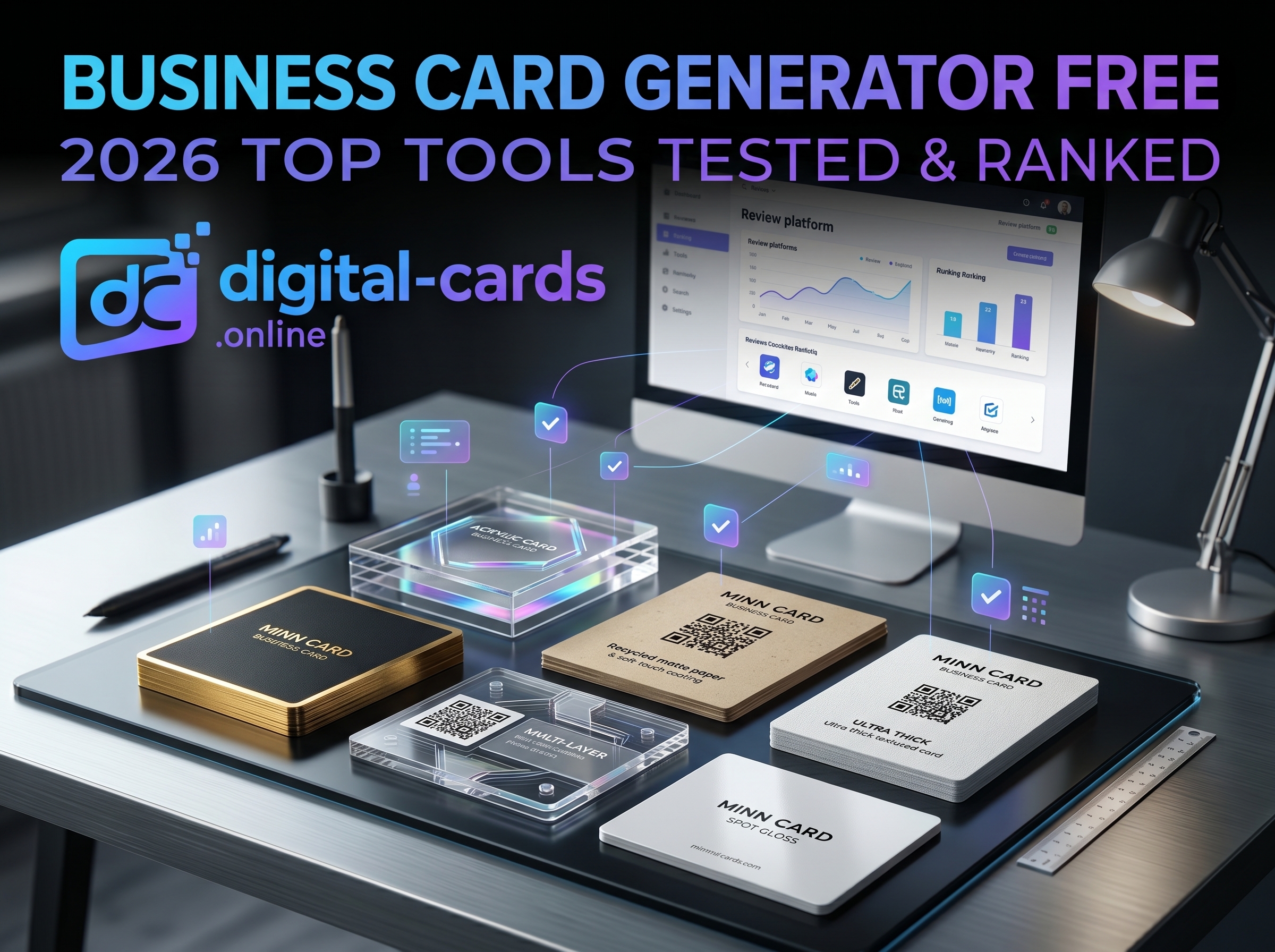
Stop wasting budget on expensive graphic designers. A reliable business card generator free of charge can instantly produce professional, print-ready, or digital networking assets. Our team tested over 20 platforms to identify which tools actually deliver high-res exports without hidden paywalls. Whether you need a traditional paper design or a modern, instantly shareable digital profile, this guide isolates the exact software you need to build your brand identity in under five minutes.
Key Takeaways
- The search for a truly free generator often leads to hidden watermark fees; we've isolated the tools that offer genuine free exports.
- Digital vCards are replacing paper formats for B2B networking due to instant CRM integration.
- Canva dominates print-ready designs, while dedicated tools are better for interactive digital profiles.
- Always verify export formats: you need PDF Print for physical cards and a QR Code/URL for digital ones.
What is the Best Business Card Generator (Free)?
The best free business card generator depends entirely on your networking format. For physical print designs, Canva remains unmatched due to its extensive template library and free PDF exports. For modern, shareable digital profiles, specialized platforms that generate instant URLs and QR codes offer superior utility.
Top Free Business Card Makers for 2026
When evaluating these platforms, we looked specifically at export quality, ease of use, and the absence of paywalls for core features. Here is how the top contenders stack up.
1. Digital-Cards.Online (Best for Digital Networking)
Modern networking relies on speed and seamless contact saving. Using a dedicated platform like Digital-Cards.Online allows you to instantly generate a digital profile that clients can save directly to their phones. Instead of designing a static image, you are building an interactive mobile landing page complete with your social links, portfolio, and a downloadable vCard file.
2. Canva (Best for Print-Ready Design)
Canva is the industry standard for drag-and-drop graphic design. It provides thousands of pre-sized templates built exactly to the standard 3.5" x 2" dimensions. The platform allows you to export your final design as a high-quality PDF Print file with bleed margins, ensuring your design looks flawless when sent to a commercial printer.
3. Adobe Express (Best for Brand Consistency)
If your brand relies heavily on specific fonts and precise alignment, Adobe Express provides a slightly more refined typography engine than its competitors. While the template library is slightly smaller on the free tier, the integration with Adobe Fonts allows for a highly professional, minimalist aesthetic.
Step-by-Step: How to Create a Free Business Card Online
If you are building your first digital or print asset, follow this workflow to ensure maximum professional impact without triggering premium upgrades.
- Define Your Format: Decide if you are designing a physical card for a local print shop or a digital card for online sharing.
- Select Your Generator: Choose Canva for print or Digital-Cards.Online for a digital URL/QR code.
- Input Core Entities: Add only essential data: Your Name, Job Title, Company, Email, and Website. Avoid cluttering the design.
- Apply Brand Assets: Upload your transparent PNG logo and adjust the template's color palette to match your exact hex codes.
- Export Properly: For print, download a PDF Print file and check the "crop marks and bleed" box. For digital, generate and test your QR Code using a smartphone camera before publishing.
Print vs. Digital: Which Should You Choose?
Networking has bifurcated. Physical business cards still hold weight in traditional industries like real estate and local B2C services, acting as a tangible reminder of a physical meeting. However, for digital marketers, SaaS developers, and e-commerce founders, physical cards create friction.
A digital business card allows the recipient to bypass manual data entry. By scanning a QR code or tapping an NFC tag, your contact information, portfolio links, and booking calendar instantly populate on their device. For maximum efficiency, utilize both: print a minimalist physical card featuring only your name, logo, and a highly visible QR code linked to your digital profile.
Frequently Asked Questions (FAQs)
Can I print cards designed on a free generator?
Yes, you can print cards designed on free software. Ensure you export the design as a high-resolution PDF file with bleed margins included, which prevents white borders from appearing during the commercial cutting process.
What is the standard size for a business card?
The standard size for a physical business card in the US and Canada is 3.5 inches by 2 inches. If you are designing for print, you should add a 1/8-inch "bleed" area around the edges, making the total design canvas 3.75 x 2.25 inches.
Do free business card makers leave watermarks?
Not all of them. Top-tier platforms like Canva and Adobe Express allow watermark-free downloads as long as you strictly use elements and templates marked as "Free" within their asset libraries.
What information is required on a modern business card?
A modern card should act as a gateway rather than an encyclopedia. Include your name, title, a single preferred contact method (usually email), and a QR code linking to your digital portfolio or LinkedIn profile.